Introduction: Take Control of Your Mobile Registration Records
A mobile connection can remain part of your digital identity long after you stop using it regularly. An old number, a backup SIM, a mobile internet connection, or a forgotten service request can make it difficult to remember every connection associated with your identity. That is why checking your own SIM registration record is a useful part of digital housekeeping.
When people search for SIM Database Pakistan, they may be looking for different things: a way to review CNIC-linked registrations, instructions for checking network-wise counts, guidance on an unfamiliar SIM registration, or advice about protecting personal information. These needs should not be treated as one single search task.
The practical approach is to start with your own registration record and use the official verification channel that matches your question. The Pakistan Telecommunication Authority (PTA) provides the SIM Information System at https://cnic.sims.pk/. PTA has also advised consumers that they can send their CNIC number without dashes to 668 to check SIMs associated with their identity; charges may apply. Official PTA guidance.
This process is intended to help you review your own registrations. It is not permission to obtain another person’s confidential subscriber information, call records, or live location. A registration count also cannot, by itself, explain every detail about a mobile account.
This guide approaches SIM Database Pakistan from a fresh, practical angle: how to prepare for a self-check, understand the result, investigate a mismatch, protect your identity, and decide when to contact a mobile operator or regulator.
1. SIM Database Pakistan: What Are You Actually Checking?
Before entering any information into a website, define what you want to verify. The term SIM Database Pakistan is commonly used for the broader subject of mobile registration records, but different checks answer different questions.
For example, a person who wants to count the SIMs associated with their CNIC needs a different service from someone who wants to identify the network currently serving a mobile number. Someone concerned about an unfamiliar registration may need assistance from the operator after reviewing the available count.
Registration Records and Public Self-Checks Are Not the Same
Mobile operators manage the account records needed to provide their services. A public-facing self-check provides only the result made available through that particular service.
This distinction matters because a count is not necessarily a list of every telephone number, a full account history, or a profile of the person using a device. Do not assume that every website using the words “SIM database” has access to official telecom records.
The Questions a Self-Check Can Help You Investigate
A personal SIM check can be useful when you need to:
- Compare the displayed SIM count with your known mobile connections.
- Review the network-wise totals shown by an official service.
- Decide whether an unexpected result needs further investigation.
- Prepare for a conversation with your mobile operator.
- Keep track of changes to your own mobile-service history.
- Improve the protection of your CNIC and mobile-linked accounts.
The most important outcome is not simply obtaining a number. It is understanding whether the result matches your records and knowing what to do if it does not.
2. Why Your CNIC and Mobile Registration Need Attention
A CNIC-linked mobile registration connects your identity information with a telecom subscription under the applicable registration procedure. This relationship is important because a connection registered under your name may carry responsibilities even if you do not remember using it recently.
PTA has reminded consumers to ensure that SIMs are registered in the name of the actual user and to approach the relevant service provider when a SIM appears to have been issued without their knowledge or consent. PTA consumer guidance.
A Mobile Number Can Outlast Your Memory of It
People change phones, replace damaged SIM cards, move between operators, and stop using numbers. As time passes, details about these changes can become difficult to recall.
A private record of your known connections makes it easier to compare your history with an official result. However, memory alone is not proof that a particular registration is correct or incorrect. Use receipts, service messages, and operator confirmations where available.
A Registration Count Does Not Explain Everything
An official count is a useful indicator, but it has limits. It does not establish who is holding a phone, whether a connection is currently being used, or where a device is located.
If you need account-specific information, follow the operator’s identity-verification procedure. If you are worried about an unfamiliar registration, treat the result as a reason to investigate rather than as a final finding of fraud.
3. Prepare Before Checking SIMs Against Your CNIC
A little preparation can make the process easier and reduce the chance of confusion.
Gather Your Own Mobile-Service History
Think about the connections you have obtained or managed, including personal numbers, work connections, backup SIMs, and mobile internet subscriptions. Include only information you can reasonably connect to your own history.
If you have records of replacement SIMs, changes of operator, or account closure requests, keep them available for reference. You do not need to upload these records to an unfamiliar website.
Use a Secure Device and a Verified Website
When possible, use a device you trust and enter the official PTA address directly into your browser:
Check the domain carefully before entering your CNIC. Search results, copied logos, and professional-looking layouts do not independently establish that a website is official.
Avoid conducting sensitive checks on a shared device if you cannot control whether your information remains saved in the browser. Do not leave an unredacted screenshot or your CNIC details in a public location.
Know What You Want to Learn
Before starting, decide whether your main question concerns the total registration count, a network-wise figure, or a particular account that needs clarification.
This simple step helps you avoid using an unrelated service that asks for more information than your task requires.
4. How to Review Your Own SIM Registration Count
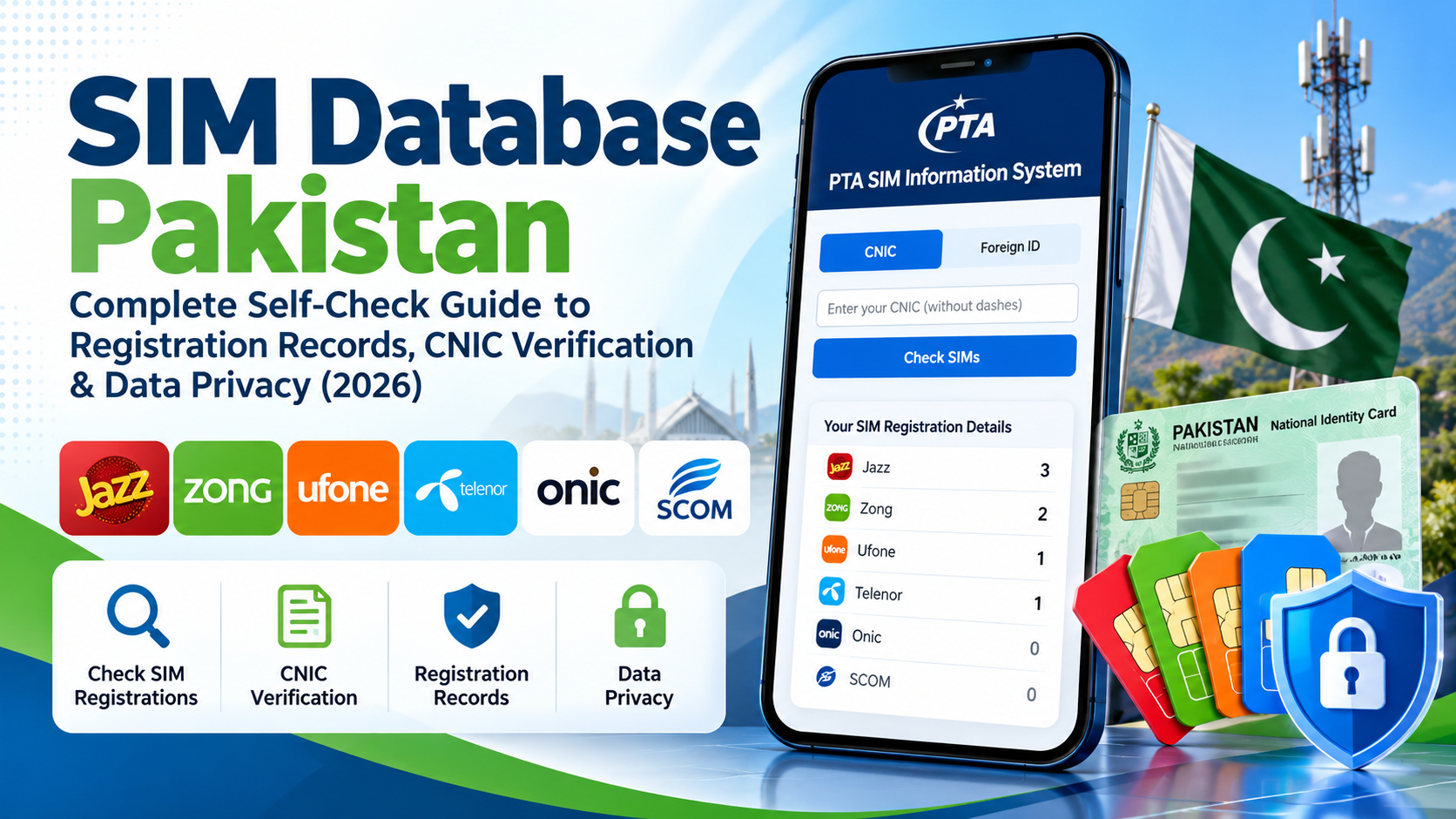
The PTA SIM Information System is the official starting point for checking the number of SIMs registered against your own CNIC.
Option A: Use the Online SIM Information System
Follow these steps:
- Open https://cnic.sims.pk/.
- Confirm that you are on the intended official website.
- Choose the applicable identification option shown by the service.
- Enter your own CNIC in the requested format.
- Complete any verification step displayed on the page.
- Submit the information and review the result.
- Note the total and any network-wise counts provided.
The service includes a Foreign ID option for applicable users. If you are checking an eligible foreign identification document, follow the instructions currently displayed on the official page.
Do not assume that the result provides every individual telephone number or every detail held by a mobile operator. Interpret the information according to the service’s stated purpose.
Option B: Use the SMS Method
PTA has also advised consumers that they can send their CNIC number without dashes to the short code 668 to check SIMs registered against their identity. Charges may apply.
Before sending an SMS, confirm the current instructions through official guidance. Enter only your own identification information and avoid sending it to an unfamiliar number claiming to offer a similar service.
Save a Private Note of the Result
If you need to compare the result later, write down the date of the check and the displayed figures. Store your note securely.
Avoid sharing your full CNIC or a screenshot containing sensitive details in website comments, social media groups, or public forums. If you need to show evidence to an operator, use its authorised support or complaint process.
5. How to Understand a Result That Does Not Match Your Records
An unexpected figure can be worrying, but it is important to investigate systematically. A mismatch is a reason to ask questions; it is not, on its own, proof of identity theft.
First, Recheck the Information You Entered
Confirm that you used your own CNIC and followed the official service’s instructions. If a technical problem occurred, repeat the check through the official channel when appropriate.
Do not use repeated submissions to unfamiliar websites as a substitute for verifying the result.
Next, Review Possible Gaps in Your History
Consider whether you have forgotten an older connection, a secondary SIM, a mobile internet service, or a recent account change. Look for receipts, operator messages, or service requests that may explain the difference.
Do not invent an explanation simply to make the figures match. Mark the issue as unresolved if you cannot verify it.
Contact the Relevant Mobile Operator
If your concern remains, contact the relevant operator through its official support channel or an authorised service centre. Explain the discrepancy and ask how it can investigate registrations associated with your identity.
The operator may request identity verification before discussing account-specific information. Follow its current procedure and retain any reference number or written confirmation you receive.
Escalate if the Issue Remains Unresolved
If the operator does not resolve a legitimate registration concern, consult the PTA Complaint Management System:
Read the current submission instructions and provide the relevant information through the official process. Keep copies of useful evidence, but avoid publishing sensitive documents in public discussions.
6. Distinguish SIM Counts, Network Identification, and Account Verification
Searches for SIM Database Pakistan sometimes combine several tasks that should remain separate.
| What you need to check | Appropriate route |
|---|---|
| Number of SIMs registered against your own CNIC | PTA SIM Information System or the stated SMS method |
| Network associated with a mobile number | Official network-identification instructions |
| Information about your own specific account | The relevant operator’s verified support process |
| Unexplained registration count | Operator investigation, followed by a complaint if necessary |
| Concern about misuse of your identity | Prompt contact with the operator and appropriate official channels |
The distinction is important because a service designed to return a count should not be represented as a tool for retrieving private subscriber details.
Network Identification Is a Separate Question
PTA’s SIM Information System has published instructions for checking the network of a mobile number by sending the format N 03xx3456789 to 76367, with a listed charge of Rs. 2 plus tax. Confirm the current format and applicable charge on the official website before using this method.
Network identification does not establish the identity of the person currently using a phone. It should not be described as a way to retrieve private account records, call history, or live location.
7. How to Assess a Website Offering SIM Information
Not every website that uses the phrase SIM Database Pakistan is an official or authorised service. Before sharing personal information, evaluate the site carefully.
Verify the Domain Independently
For a CNIC-linked SIM-count check, begin with the official PTA service at https://cnic.sims.pk/. Do not rely solely on a search result, a forwarded message, or a website’s logo.
If you reach a site through an advertisement or social post, independently verify its identity before entering sensitive details.
Question Claims That Promise Too Much
Be cautious when a website claims that a phone number alone can reveal another person’s complete identity, private call records, or real-time location.
Such claims should not be accepted simply because the website uses telecom terminology. Check whether the service’s purpose and authority can be verified through an official source.
Limit the Information You Disclose
Consider whether the data requested is necessary for the stated task. An unfamiliar website that asks for your CNIC, OTP, account password, and payment details should raise concern.
Never share an OTP or recovery code with someone who contacts you unexpectedly. If you are uncertain about a request, close the page and contact the relevant organisation through an independently verified channel.
Be Careful With Urgent Demands
Messages that threaten immediate SIM blocking, demand an urgent payment, or pressure you to share a verification code may be attempts to manipulate you.
Do not pay an unknown person who promises to erase a registration, reveal private subscriber details, or guarantee a complaint outcome. Use the operator’s official process instead.
8. Protect Your CNIC and Mobile-Linked Accounts
A mobile number may be connected to important accounts, including email, messaging, and financial services. Protecting your SIM registration information is therefore part of protecting your wider digital identity.
Keep CNIC Information Private
Enter your CNIC only on a verified service when it is needed for the stated purpose. Avoid posting full identity details or unredacted screenshots in public places.
If an operator or authority requires documentation, submit it through the official process and provide only the information reasonably required.
Keep OTPs and Recovery Codes Confidential
An OTP is a temporary verification code used to confirm an action or authenticate a session. An unexpected caller claiming to be a telecom representative should not automatically be trusted.
Do not disclose OTPs, passwords, or account-recovery codes to unsolicited callers or message senders. Contact the organisation independently if you need to confirm whether a request is genuine.
Understand the Risk of SIM Swapping
SIM swapping is a type of fraud in which someone attempts to persuade a mobile carrier to activate a replacement SIM for another person’s number. If successful, the person may receive calls or messages intended for the legitimate user.
An unexpected loss of service does not prove that a SIM swap has occurred. However, if calls and texts stop working unexpectedly and the operator cannot explain the problem, contact the operator promptly through a verified channel.
Review Important Account Security Settings
Check the recovery options on email, financial, and messaging accounts linked to your mobile number. Use strong, unique passwords and additional security features where available.
If you suspect that an account has been accessed without authorisation, follow the relevant service’s official account-recovery procedure.
For broader telecom-security information, consult PTA’s NTCERT awareness resources:
https://ntcert.pta.gov.pk/awareness.html
9. Build a Simple Personal SIM Record
A private record helps you review your mobile-service history without depending entirely on memory.
What to Record
For each connection you know belongs to you, consider noting:
- The operator name.
- The mobile number, stored securely.
- The approximate date you obtained the connection.
- Whether it is a personal, work, backup, or data-only service.
- Relevant replacement, closure, or complaint references.
Keep the record in a secure location and avoid including unnecessary identity documents.
Update the Record When Something Changes
When you obtain or replace a SIM, change operators, or close a connection, update your note and retain any confirmation provided by the operator.
Do not assume that an old SIM automatically becomes irrelevant simply because you no longer use it. Follow the operator’s current procedure for ending or changing a service.
Use the Record as a Comparison Tool
Your private list is not an official telecom database and cannot independently prove the status of a registration. Its purpose is to help you compare your known history with the result of an authorised self-check.
If the two do not match, use the discrepancy to guide your questions to the operator rather than making unsupported conclusions.
10. Frequently Asked Questions About SIM Database Pakistan
What is SIM Database Pakistan?
SIM Database Pakistan is a general search phrase for information about SIM registration, CNIC-linked SIM counts, and related telecom verification. It does not identify a single public service that provides unrestricted access to every subscriber record.
How do I check SIMs registered against my own CNIC?
Visit the PTA SIM Information System at https://cnic.sims.pk/ and follow the displayed instructions. PTA has also advised consumers that they can send their CNIC number without dashes to 668; charges may apply.
Does the online system provide a complete list of phone numbers?
Do not assume that a CNIC-linked count is a complete list of telephone numbers or private account details. Review the result according to the service’s stated purpose.
What should I do if I see an unexpected count?
Recheck your own information, review your mobile-service history, and contact the relevant operator if the discrepancy remains unexplained. Keep any reference number and use the PTA complaint process if needed.
Can I use a SIM database to obtain another person’s private details?
A general search does not authorise access to another person’s confidential subscriber information. Use authorised channels for legitimate concerns and respect other people’s privacy.
How can I identify a mobile network?
Check the current network-identification instructions published on the PTA SIM Information System website. Confirm the SMS format and charges before using the service.
Is every website with a SIM Database title official?
No. A title, logo, or search ranking does not prove that a site is operated or authorised by PTA or a mobile operator. Verify the domain independently and use official services for personal SIM checks.
What is SIM swapping?
SIM swapping is an attempt to obtain control of a mobile number by persuading a carrier to activate a replacement SIM. If your phone unexpectedly loses service and the operator cannot explain why, investigate promptly through a verified support channel.
Where can I report an unresolved registration problem?
Contact the relevant mobile operator first. If your concern remains unresolved, visit https://complaint.pta.gov.pk/ and follow the current instructions for filing a complaint.
Conclusion: Make Your SIM Self-Check Useful
Managing SIM registrations starts with knowing what information you need and selecting the correct verification route. The SIM Database Pakistan search phrase covers several related topics, but a personal registration count, a network-identification result, and an operator’s account investigation serve different purposes.
Begin with the PTA SIM Information System when reviewing registrations associated with your own CNIC. Compare the result with your known mobile history, protect your personal information, and ask the relevant operator to investigate any unexplained difference.
Treat unfamiliar lookup websites carefully, keep OTPs private, and use authorised channels when a legitimate concern requires further action. A careful self-check will not answer every possible question, but it can help you identify what is known, what remains uncertain, and which next step is appropriate.
Official References
- PTA SIM Information System: https://cnic.sims.pk/
- PTA Complaint Management System: https://complaint.pta.gov.pk/
- PTA NTCERT Awareness Resources: https://ntcert.pta.gov.pk/awareness.html
- PTA consumer guidance on responsible SIM registration: https://www.app.com.pk/national/pta-urges-consumers-to-ensure-responsible-sim-registration/
This article provides general educational information. For current procedures, charges, and account-specific questions, follow the latest instructions from PTA and your mobile operator.
Leave a Reply