Updated: October 2026
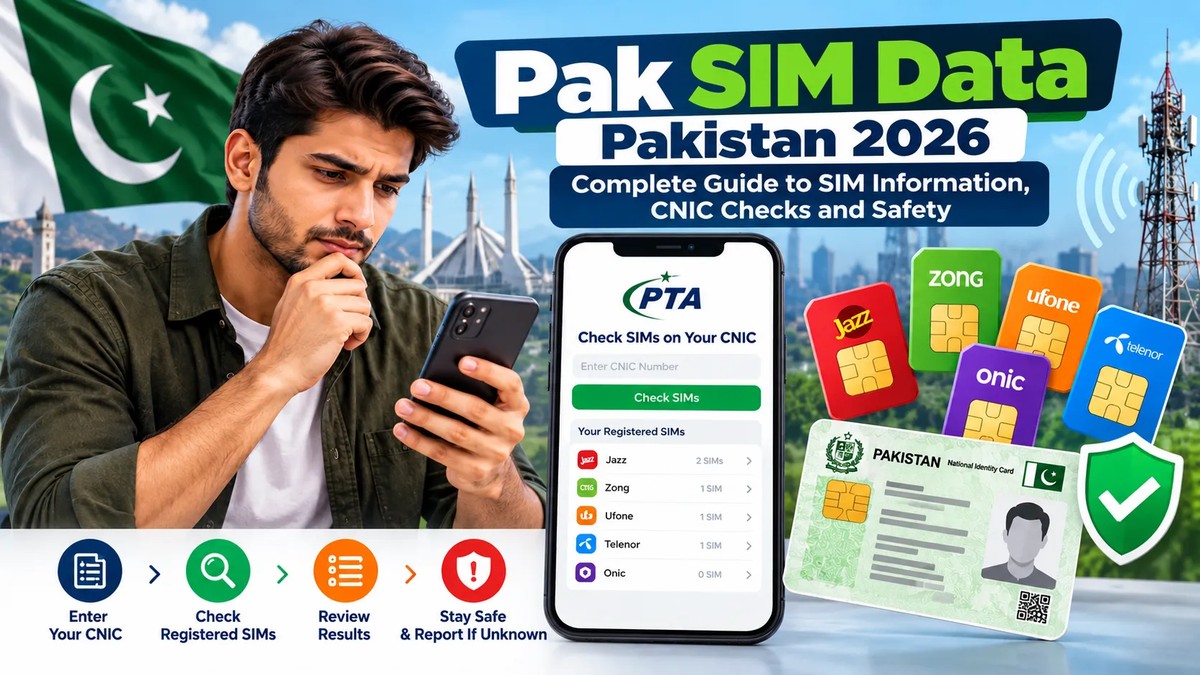
Pak SIM Data is a commonly searched term among people in Pakistan who want to understand SIM registration, mobile network information, CNIC verification and the number of connections registered under their identity. Whether you are checking your own SIM registrations, reviewing an unexpected connection or learning how mobile registration works, it is important to use reliable information and authorized verification channels.
Pakistan’s telecommunications system requires users to follow applicable SIM registration and identity verification procedures. The Pakistan Telecommunication Authority (PTA) provides an official SIM Information System that allows individuals to check the number of SIMs registered against their own Computerized National Identity Card (CNIC).
This guide explains what Pak SIM Data means, how to check your own registrations, what the official services can show, how to handle an unfamiliar SIM count and how to protect your personal information.
Important: This is an educational guide, not a private subscriber lookup service. Do not enter your CNIC on unfamiliar websites claiming to reveal another person’s private SIM records.
What Is Pak SIM Data?
Pak SIM Data generally refers to information associated with mobile SIM registration and telecommunications services in Pakistan. Depending on the context, people may use this phrase when searching for SIM registration information, CNIC-based SIM counts, network verification, SIM ownership procedures or mobile security guidance.
The term does not mean that all subscriber information is publicly available. Mobile registration records are handled through authorized systems and relevant telecommunications operators. Public self-check services have specific purposes and limitations.
For example, the official SIM Information System helps users check the number of SIM connections registered against their own CNIC. It is not intended to provide unrestricted access to another person’s identity, address, phone records or private subscriber information.
Understanding this distinction helps users avoid misleading websites, fraudulent apps and services that request sensitive information without a legitimate reason.
How to Check Pak SIM Data for Your Own CNIC
If you want to know how many SIM connections are registered against your own CNIC, begin with the official PTA SIM Information System.
Method 1: Check SIM Registrations Online
Follow these steps:
- Open the official website: https://cnic.sims.pk/
- Read the instructions displayed on the page.
- Enter your own CNIC number as requested.
- Complete any verification step shown on the website.
- Submit the form and review the available result.
The system is designed to help users check SIM registration counts associated with their CNIC. Review the result carefully and compare it with the connections you actually use.
Remember: A network-wise SIM count is not the same as a complete list of mobile numbers, subscriber names or private call records.
Method 2: Use the 668 SMS Service
PTA also advises consumers to check their SIM registration status by sending their CNIC number to 668.
To use this method:
- Open the SMS application on your phone.
- Enter your own 13-digit CNIC number without dashes.
- Send the message to 668.
- Wait for the response.
- Review the network-wise counts provided.
Charges may apply, so check your mobile operator’s current SMS rates if needed.
The response can help you identify whether the number of registrations associated with your identity appears consistent with your actual connections. If something looks unfamiliar, contact the relevant mobile operator for verification.
Online Check vs SMS 668
| Feature | Online SIM Information System | SMS 668 |
|---|---|---|
| Official route | cnic.sims.pk | SMS to 668 |
| Information required | Your own CNIC | Your own CNIC |
| Main purpose | Check SIM registration count | Check SIM registration count |
| Internet required | Yes | No mobile internet required |
| Cost | Check the official website for current terms | SMS charges may apply |
| Full private subscriber records | Not provided as a public lookup | Not provided as a public lookup |
Both methods are useful starting points. If a result is unclear or appears incorrect, confirm it directly with the relevant operator.
What Information Does the PTA SIM Information System Show?
The official SIM Information System focuses on the number of SIMs registered against the CNIC entered. It helps users review their registrations without relying on unofficial databases.
The information available through a self-check should not be confused with the broader records maintained by mobile operators.
SIM Registration Counts
The result can help you understand how many SIM connections are associated with your CNIC across mobile operators. This is useful when checking whether your registered connections match the SIMs you recognize.
Network-Wise Information
The result may separate counts by operator. This helps you identify which provider you should contact if a count appears inconsistent with your records.
What the Public Check Does Not Mean
A SIM count does not automatically tell you:
- The full name of the subscriber behind an unrelated phone number.
- Another person’s home address.
- Their call history or SMS contents.
- Their real-time location.
- Their private account credentials.
- A complete record of every SIM’s activity.
Websites claiming to reveal all these details through a simple phone-number search should be treated cautiously. Never assume that an unofficial result is authentic merely because it uses terms such as Pak SIM Data, SIM database or SIM owner details.
How to Check SIM Registrations Network by Network
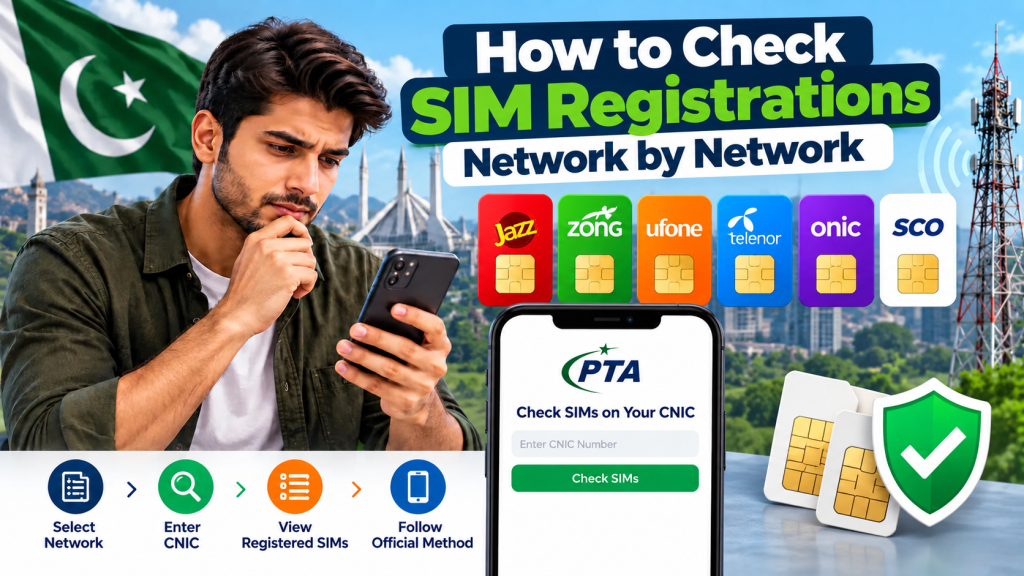
If the online system or SMS response shows an unexpected count, use the operator information to decide what to do next.
Jazz
If the result indicates an unfamiliar registration associated with Jazz, contact Jazz through its official customer support or visit an authorized service centre. Explain that you are reviewing your own CNIC registrations and want the operator to verify the discrepancy.
Official website: https://jazz.com.pk/
Zong
If you suspect an unknown Zong registration, contact Zong using the support options listed on its official website. Ask about the process for checking and resolving an unauthorized registration against your identity.
Official website: https://www.zong.com.pk/
Ufone
Ufone customers can use the operator’s official support channels to ask about registration concerns, SIM ownership and the procedure for resolving an unfamiliar connection.
Official website: https://www.ufone.com/
Telenor Pakistan
For an unfamiliar registration associated with Telenor, consult the operator’s official customer support information and request guidance on verification or blocking.
Official website: https://www.telenor.com.pk/
Other or Changed Operator Services
Operator brands, services and customer support arrangements may change over time. If your SIM belongs to a different or rebranded service, use the official support channel currently responsible for that connection.
Important: The public count may not identify the exact mobile number that concerns you. The operator may need to verify your identity before discussing registration records or processing a request.
What Should You Do If You Find an Unknown SIM on Your CNIC?
Discovering an unexpected SIM count can be worrying, but the correct response is to verify the record rather than immediately assume fraud has occurred.
Step 1: Recheck the Result
Check your own CNIC through the official online system or 668. Make sure you entered the correct CNIC number and understood the network-wise counts.
An unfamiliar total may require investigation, but it is not by itself proof that someone committed identity theft.
Step 2: Contact the Relevant Operator
Use the operator’s official helpline, website or authorized service centre. Explain that you do not recognize a registration associated with your CNIC.
Ask what identification documents are required and how the operator handles disputes about unauthorized SIM registration.
Step 3: Request Verification and Resolution
Follow the operator’s prescribed procedure. Depending on the circumstances, you may need to visit a service centre, present your original CNIC or complete an identity verification process.
Keep any complaint reference number, visit receipt, SMS confirmation or written response.
Step 4: Escalate if the Issue Remains Unresolved
If the operator does not resolve the matter, you can review the complaint options available through PTA’s official Complaint Management System:
Read the current instructions before submitting a complaint. Provide accurate information and only the documents needed for the complaint.
Step 5: Report Related Fraud Through the Appropriate Channel
If the incident involves identity misuse, financial fraud, threats, account takeover or another suspected cybercrime, the appropriate reporting authority depends on the facts. Consult the National Cyber Crime Investigation Agency (NCCIA) for relevant cybercrime reporting options:
A registration discrepancy and a proven criminal offence are not necessarily the same thing. Explain what happened, provide available evidence and allow the relevant authority to determine the appropriate next steps.
Why SIM Registration Matters in Pakistan
SIM registration connects a mobile subscription with the identity verification process required by applicable telecommunications rules.
PTA has emphasized that consumers should ensure their SIMs are registered in their own names. Registration matters because an account associated with your identity may create difficulties if it is misused.
Responsible SIM management can help users:
- Keep track of mobile connections they actually use.
- Identify registration discrepancies earlier.
- Reduce the risk of unauthorized account access.
- Avoid sharing SIMs in ways that breach applicable rules.
- Respond more quickly when a phone or SIM is lost.
- Protect their identity and telecommunications accounts.
Regular self-checks are particularly useful when you have purchased new SIMs, replaced a SIM card, changed networks or discovered suspicious activity.
Pak SIM Data and Personal Information Security
Searching for Pak SIM Data can expose users to websites that request more information than is necessary. Some websites may imitate official services or promise access to private records.
Before entering any personal information, check the website address carefully.
Use Official Sources
For a CNIC-based SIM count, start with the official PTA SIM Information System at https://cnic.sims.pk/.
For a complaint, use the official PTA complaint portal or the appropriate operator’s own website. For suspected cybercrime, consult the official NCCIA website.
Avoid assuming that a website is official because its design includes government-style colours, logos or technical terminology.
Do Not Share Your CNIC Publicly
Your CNIC number is sensitive personal information. Avoid posting it in comments, public groups, forums or social media messages.
Do not send photographs of your identity card to unknown accounts offering free SIM checks.
Protect Your Biometric Information
Only provide biometric verification through an authorized process when it is genuinely required. Do not allow an unknown person to use your fingerprint or identity documents for an unexplained purpose.
If someone claims they need your thumbprint to provide a prize, benefit or unrelated service, verify the claim independently before proceeding.
Never Share OTPs or Account Credentials
A one-time password can allow access to an account or authorize a sensitive action. Do not share OTPs, banking credentials or account recovery codes with people claiming they can reveal SIM records.
Be Careful with Downloadable Apps
An application claiming to provide a complete private SIM database may request access to contacts, messages, files or other sensitive information. Review permissions and avoid installing apps from untrusted sources.
How to Recognize Fake Pak SIM Data Websites
Not every website using the phrase Pak SIM Data is an official verification service. Watch for these warning signs.
1. Promises of complete private records: A website claims it can reveal another person’s full identity, address or call details from a phone number alone.
2. Unnecessary payment demands: A site requests payment for information that it cannot demonstrate it is authorized to provide.
3. Requests for excessive personal information: A simple SIM-count check should not require you to share unrelated passwords, bank details or OTPs with an unknown provider.
4. Unclear ownership: The website does not identify its operator, privacy policy or contact information.
5. Misleading official branding: A site imitates a government portal but uses an unrelated domain.
6. Pressure tactics: A page warns that you must submit sensitive details immediately to avoid losing your SIM or identity.
When you encounter these signs, leave the site and verify the service through the relevant official organization.
What Is the Difference Between SIM Data, SIM Ownership and CNIC SIM Check?
These terms are related, but they do not always mean the same thing.
Pak SIM Data
A broad search phrase that may refer to SIM registration, network information, verification methods or telecom safety.
SIM Ownership
The registration relationship between a mobile connection and the person recognized through the applicable registration process. Ownership disputes should be addressed through the operator’s authorized procedure.
CNIC SIM Check
A self-check to review the number of SIM connections associated with your own CNIC through an official service such as cnic.sims.pk or 668.
SIM Owner Details
A phrase people use when looking for information about a SIM subscriber. It is important to distinguish authorized verification of your own registrations from attempts to obtain another person’s private information.
A legitimate educational guide should explain the available verification process clearly rather than promise unrestricted access to confidential subscriber data.
Pak SIM Data Troubleshooting Guide
If the official check does not work as expected, use these steps.
The Website Is Not Loading
Check your internet connection and confirm that you typed the official address correctly. Try again later if the service appears temporarily unavailable.
Do not switch to a suspicious website simply because the official service is slow.
The SMS Reply Does Not Arrive
Confirm that you entered your own CNIC correctly and sent the message to the intended short code. Check your balance and SMS service, as charges may apply.
If the issue continues, consult your operator’s support channel or use the official online method when available.
The Count Does Not Match Your SIMs
Check whether you have forgotten an older connection, a secondary SIM or a connection you no longer actively use. If the discrepancy remains, contact the relevant operator for verification.
You Cannot Identify the Specific SIM
The public count may not reveal the full mobile number. The relevant operator can explain the verification process available to you after checking your identity.
Your Phone Suddenly Loses Network Service
A loss of signal does not automatically prove SIM swapping. It may have several causes, including a network outage, device problem or account issue.
If your number stops working unexpectedly and you suspect an unauthorized SIM replacement, contact your operator promptly through a trusted channel. If the number is linked to banking or email accounts, secure those accounts as well.
Frequently Asked Questions About Pak SIM Data
1. What is Pak SIM Data in Pakistan?
Pak SIM Data is a general search term for information about mobile SIM registration, CNIC verification, network connections and related telecom services. For your own registration count, use the official PTA SIM Information System or the 668 SMS service.
2. How can I check SIMs registered against my CNIC?
Visit https://cnic.sims.pk/ and follow the official instructions, or send your own 13-digit CNIC number without dashes to 668 by SMS. Charges may apply to SMS.
3. Can I check another person’s SIM data online?
The official self-check system is intended to check registrations against your own CNIC. Do not use unofficial databases or leaked records to obtain another person’s private subscriber information.
4. Does the PTA SIM Information System show complete phone numbers?
The system’s stated purpose is to provide a SIM registration count against the CNIC entered. Do not expect it to provide a complete list of numbers, private call records or another person’s subscriber identity.
5. What should I do if an unknown SIM appears against my CNIC?
Recheck your result, contact the relevant mobile operator, request verification and keep the complaint reference. If the matter remains unresolved, consult PTA’s official complaint portal.
6. Is Pak SIM Data the same as SIM Owner Details?
Not exactly. Pak SIM Data is a broad phrase, while SIM Owner Details may refer to subscriber registration information. Always distinguish a lawful check of your own registrations from private information that is not publicly available.
7. Is it safe to enter my CNIC on every SIM-check website?
No. Use the official PTA service for your own CNIC check. Be cautious of websites that ask for unnecessary personal details, OTPs, payment or downloads.
8. How often should I check my SIM registrations?
There is no need to check obsessively. Review your registrations periodically and whenever you have a specific reason, such as receiving a suspicious notification, replacing a SIM or noticing an unexpected connection.
9. Where can I report a telecom complaint?
Start with the relevant operator. If the matter remains unresolved, review the official PTA Complaint Management System at https://complaint.pta.gov.pk/. Suspected cybercrime may require a separate report through the appropriate official authority.
10. Does an unfamiliar SIM count prove identity theft?
No. It is a reason to investigate, not conclusive proof of fraud. Confirm the record with the operator and provide accurate evidence if you submit a complaint.
Conclusion: Use Pak SIM Data Responsibly
Pak SIM Data is a useful search term for people who want to understand SIM registration and telecommunications safety in Pakistan. The most important practical step is to check your own registrations through the official PTA SIM Information System or 668 and investigate any unexpected result with the relevant mobile operator.
Avoid unofficial services that promise access to private subscriber records. Protect your CNIC, biometric information and account verification codes, and use authorized complaint channels when a registration concern cannot be resolved.
For further guidance, explore the related SIM verification and security guides on CNIC SIM Info. The goal is to help readers understand their own registrations, protect their identities and make informed decisions using trustworthy information.
Official references
- PTA SIM Information System: https://cnic.sims.pk/
- Pakistan Telecommunication Authority: https://www.pta.gov.pk/
- PTA Complaint Management System: https://complaint.pta.gov.pk/
- NCCIA Pakistan: https://www.nccia.gov.pk/
Disclaimer: This article is for educational purposes and is not legal advice. Verification procedures and service availability may change. Always follow the current instructions of the relevant official authority or mobile operator.
Leave a Reply