
SIM Owner Details for Foreign Nationals in Pakistan should be checked through official registration channels that match the user’s identity document and verification needs.
SIM Owner Details for Foreign Nationals in Pakistan begins with understanding what the official Foreign ID check can and cannot show. Pakistan’s official SIM Information System provides a Foreign ID option for checking SIM registrations associated with your own identity. It is not a public lookup service for another person’s private subscriber information.
Pakistan’s official SIM Information System displays separate CNIC and Foreign ID options and tells foreign nationals to select Foreign ID. Its public wording describes a count of SIMs registered against the entered identity; it does not publish a complete list of accepted foreign documents or promise a public profile for any number. This guide explains how to use that route, interpret errors, distinguish portal inputs from operator purchase requirements, and request an official review when a result does not match your own records.
This guide is only for checking registrations associated with your own identity or a record you are authorised to manage.
Quick answer: can a foreign national check SIM registrations online?
Yes. The official SIM Information System includes a Foreign ID option and specifically tells foreign nationals to click it. Start there for the defined registration-count question. Use the current on-screen instructions, enter your own applicable identifier, complete the displayed verification step and submit.
There is an important limit: the public page labels the field “Foreign ID” and shows an example value, but does not provide a complete public list of the document types accepted in every case. Do not assume that a passport, visa number, Pakistan Origin Card (POC), National Identity Card for Overseas Pakistanis (NICOP), Proof of Residence (POR) card or another document is automatically interchangeable in that field. If your document is rejected or its format is unclear, confirm the correct method with the operator that issued your SIM or through an official support route rather than guessing.
1. What “Foreign ID” means—and what the page does not explain
The official portal offers two entry routes: CNIC and Foreign ID. The separate Foreign ID choice is useful for a foreign national who does not use the standard Pakistani CNIC route. The public page also shows an example identifier, but an example is not a statement that every foreign passport or visa uses that exact format.
The page’s wording is brief. It does not spell out every eligible document category, how every special identity document should be entered, or what to do when an identifier has been renewed since a SIM was issued. That is a genuine gap in the public instructions, so do not fill it with assumptions from a third-party blog.
Practical rule: use the document and identifier the live form and the responsible operator confirm for your case. If the form does not explain whether your document is supported, ask the operator which identifier was recorded during SIM registration and which official route should be used to check it.
2. First identify which document category applies to you
Foreign nationals do not all have the same documentation. A short-term visitor, a foreign resident, an Afghan national, a former Pakistani citizen with a POC, and an overseas Pakistani holding NICOP are not automatically in the same category. Document requirements can also differ between operators and transactions.
Published operator guidance illustrates the differences:
| Operator guidance | What its published information says | Important limit |
|---|---|---|
| Jazz | For a foreigner buying a Jazz SIM, Jazz lists an original passport with a valid visa. It lists NICOP separately for overseas Pakistanis. | These are Jazz’s published purchase requirements, not a universal rule for every operator or every Foreign ID portal input. |
| Zong | Zong lists a valid passport and valid visa/POC for its foreigner/POC process and describes document verification at a Zong Customer Service Centre. | Zong’s process and eligibility conditions should not be assumed to apply identically to other operators. |
| Ufone | Ufone’s terms list an original passport with valid visa/POC or other applicable documents, including NARA ID or POR where relevant. | The applicable category needs to be confirmed for the individual case. |
Keep these operator rules separate from the online Foreign ID field. A document accepted by an operator for SIM issuance is not automatically confirmed as an accepted input for every online lookup field. Before travelling to a service centre, check the chosen operator’s current instructions; do not rely on an old social-media post for documents, limits, validity or charges.
3. How to use the Foreign ID route step by step
Follow the live instructions because the page and its security controls may change.
- Open the official SIM Information System and check the address bar.
- Select Foreign ID for the foreign-national route; do not leave the form on CNIC by default.
- Enter your own identifier exactly as the current form requests. If the accepted document type is unclear, confirm it with official support rather than guessing.
- Complete the displayed CAPTCHA/security step and submit.
- Save only a private note or screenshot of the date and outcome if needed.
A rejected entry is not a result about your SIM count. Note whether the issue occurred during input, CAPTCHA, loading or after submission.
4. What the online result can tell you—and what it cannot
The portal describes its purpose as finding the total number of SIMs registered against the identity entered. For a foreign national using the Foreign ID tab, read it as a count-oriented registration check—not as an identity dossier or complete service history.
| Question | Best starting point | What you should not infer |
|---|---|---|
| How many SIM registrations are associated with my own Foreign ID? | Foreign ID option on the official SIM Information System | That the public page will disclose every individual number or the subscriber names behind a count |
| Which operator manages my current SIM? | The operator’s official account/support process | That a network result proves a person’s identity |
| Why is my new SIM not activating? | The operator that issued the connection | That an activation error automatically means the subscriber record is wrong |
| Which document is associated with my account? | The operator’s formal verification process | That the online sample identifies the document used in your transaction |
| Can I see another person’s passport, address or calls? | Not through a public self-check | That an unofficial site is authorised to reveal private data |
A total can flag a question, but may not identify each connection. Ask the operator for an authorised review when you need an explanation for a specific SIM.
5. Is Foreign ID checking the same as SMS 668?
Do not assume it is. PTA guidance reported by Associated Press of Pakistan describes checking SIMs linked to a user’s CNIC through the official portal or by sending the CNIC without dashes to 668; charges may apply. That guidance is framed around a CNIC. The SIM Information System separately tells foreign nationals to select Foreign ID, but its public instructions do not establish an identical SMS format for every foreign document.
Use the Foreign ID option on the website unless current official guidance specifically confirms another method for your document category. Do not send a passport number, visa identifier or another foreign ID to 668 by substituting it for a CNIC without official confirmation.
Source: PTA SIM-registration guidance reported by APP.
6. If the form rejects your identifier
A rejected entry can have several explanations: the wrong tab was selected, the format was entered incorrectly, the security check was incomplete, the page did not finish loading, or the identifier is not supported in the way you expected. The error message alone does not prove that no SIM is registered or that your identity record is incorrect.
Use this troubleshooting sequence:
- Read the entire message and note whether it appears before or after submission.
- Confirm that you selected Foreign ID rather than CNIC.
- Recheck the identifier against your own source document without guessing at missing characters.
- Retry once if the page clearly indicates a temporary or CAPTCHA failure.
- If the same issue persists, stop repeated attempts and contact the operator responsible for your own connection. Ask which ID type and record route apply.
Do not use another person’s document, alter your identity number to force acceptance, or upload passport scans to an unknown website offering to “fix” the lookup. Keep a private record of the error date and wording for support.
7. If the result is zero or higher than expected
First confirm that the form submitted successfully and that you used the intended identity route. A failed security check or mistyped identifier is not a confirmed zero result.
If the total is higher than expected, review your own history: phone SIMs, data devices, old connections, replacements and transactions you may have forgotten. Compare receipts or operator correspondence. If the result remains unexplained, ask the relevant operator to investigate registrations associated with your identity.
If the result is zero but you believe you have an active SIM, check whether the same identity category was used when the SIM was issued. Ask the provider which identity was recorded and which official check applies. The public count may not identify an individual line, so a secure operator review may be necessary.
8. SIM purchase requirements and online lookup requirements are separate
Three questions are often mixed together:
- What document was required to issue this SIM? This depends on the customer category and the current operator’s process.
- Which identifier does the Foreign ID field accept? The portal’s public text does not enumerate every accepted document type, so confirm uncertain cases.
- What can the online result show? The portal describes a total SIM registration count, not every subscriber detail or every account function.
For example, Zong’s published page lists a valid passport plus valid visa/POC for its foreigner/POC process and states that SIM validity corresponds to visa/POC validity for that process. That is a Zong-specific published condition; it should not be copied into an article as a universal limit for every network. Jazz and Ufone publish their own requirements too. Always open the chosen operator’s current official page before making a purchase or assuming a validity rule applies to you.
9. If you are an overseas Pakistani or POC holder
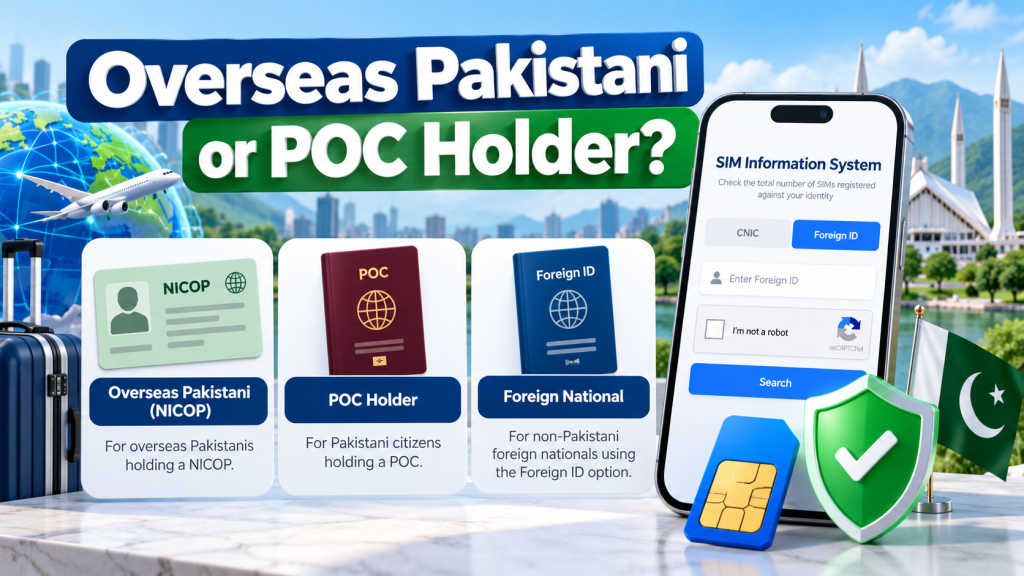
“Foreign national,” “overseas Pakistani,” NICOP holder and POC holder are not interchangeable descriptions. A person living abroad may still hold Pakistani identity documentation; a POC holder has a different status from someone using a foreign passport and visa. The SIM Information System’s brief instruction says foreign nationals should click Foreign ID, but it does not explain every NICOP/POC edge case.
Do not assume that every overseas Pakistani must use Foreign ID or that every NICOP/POC number belongs in that field. Follow the current instructions and ask the operator how your identity category was recorded if the correct route is unclear. This is especially important if your document has been renewed, replaced or changed since you acquired the SIM: the correct check should be based on the operator’s actual registration record, not guesswork.
10. If you are visiting Pakistan temporarily
A temporary visitor should separately confirm document requirements, service validity, activation status and the official support route; a count screen cannot answer all four. Check the chosen operator’s current foreign-customer instructions before purchase.
Before leaving Pakistan, review accounts that depend on the number for recovery. If you will no longer control it, update those recovery settings through each service’s official process. Do not assume validity or registration automatically continues unchanged after a document expires; ask the operator about the specific service.
11. How to recognise an unsafe “SIM owner details” website
Be cautious of sites or social accounts promising the name, CNIC, passport details, home address, live location, call logs or messages of any number. Other warning signs include pressure to pay for a supposedly private database, requests for OTPs or passwords, or identity-document uploads without a clear official purpose.
Verify the web address independently. The official SIM Information System is at cnic.sims.pk. For a specific SIM account, open the operator’s genuine website and follow the contact or support link published there. Do not trust a page only because it uses a telecom logo or ranks in a search result.
PTA’s National Telecom and Information Security Board warns about SIM-swapping and related risks. Its SIM-swapping advisory describes how an attacker may use personal information to impersonate a subscriber and deceive a carrier. Keep identity details private, treat unexpected loss of calls/texts as a possible security concern and contact the operator through a verified channel if something suspicious happens. Keep passport/visa scans and account references private, never share OTPs or banking PINs, and do not forward eSIM QR codes to an online helper.
12. Prepare a clear request for official support
A useful case gives the support representative a specific question: which identity type was used, which result appeared and what remains unresolved. Keep SIM registration separate from payment, package, activation and handset problems.
Copy-and-edit support template
Subject: Request to verify SIM registrations associated with my Foreign ID
I am contacting you about my own SIM registration. I used the official SIM Information System on [date] and selected Foreign ID. The result/error was [exact wording]. The SIM was obtained through [operator, if known] around [date]. Please advise which identifier was recorded for this connection and the official process to verify or correct a genuine mismatch. I can provide the required identity documents through your verified support channel.
Do not include a full passport number, visa scan, OTP or password in an unsolicited message. Provide documents only through a verified process and keep the support reference for follow-up.
13. Where to escalate if the question remains unresolved
Start with the operator that issued or currently manages your own connection. Use its current official support page to confirm the available channels and the service centre relevant to your case. Ask for the precise registration or account question to be reviewed, rather than requesting a public subscriber profile.
If a genuine telecom complaint remains unresolved after the operator’s formal process, review the PTA Complaint Management System. The portal is designed for registering and tracking telecom complaints. Keep the operator reference and provide only evidence relevant to the issue; do not disclose another person’s private information or make unsupported allegations.
Quick decision guide
| Your situation | Best next action |
|---|---|
| You need the count of SIMs associated with your own foreign identity | Use the Foreign ID option at cnic.sims.pk |
| You do not know which document value the form accepts | Confirm the recorded identifier with the operator; do not guess |
| The form rejects your entry | Check the tab, input and verification step, then use official support if it persists |
| The count is unexpected | Review your own history, retain the result privately and ask the provider to investigate |
| You are buying a new SIM | Follow the chosen operator’s current foreign-customer requirements separately |
| Your issue is handset IMEI compliance | Consult the official DIRBS route, not the SIM-count form |
| A website offers another person’s private details | Do not submit identity information or pay for an unofficial lookup |
Frequently Asked Questions
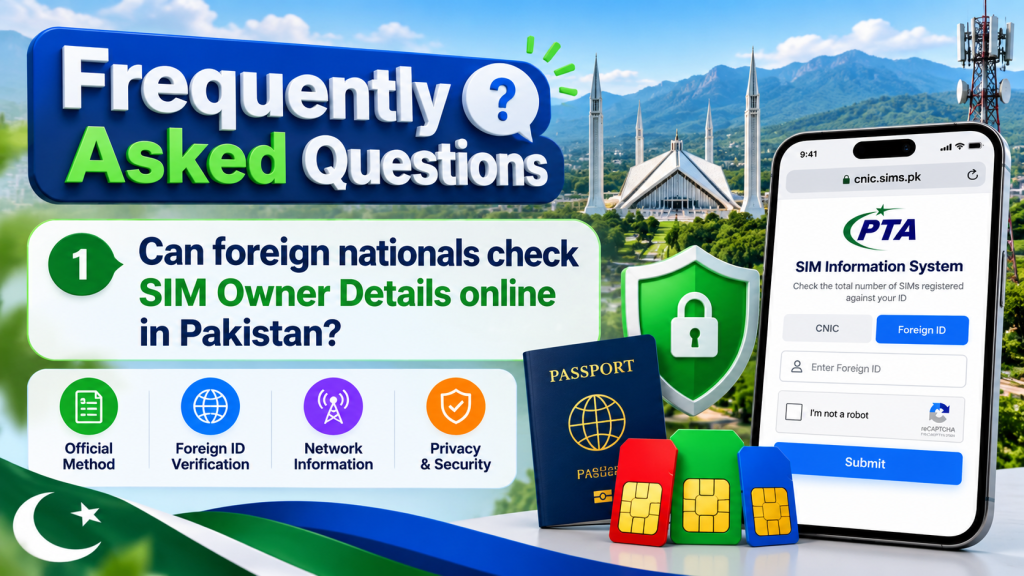
1. Can foreign nationals check SIM Owner Details online in Pakistan?
Yes. The official SIM Information System provides a Foreign ID option for this registration-count check. It is not a public lookup of another person’s identity.
2. Which identifier should I enter in the Foreign ID field?
Follow the live form and operator guidance. The public portal does not list every accepted document type, so confirm if your category is unclear.
3. Can I use a passport number in place of a CNIC?
Do not assume every passport number is accepted. Follow current instructions and confirm the registered identifier with the operator if needed.
4. Does the Foreign ID check show every phone number registered to me?
It describes a total SIM-count check, not a promise to display every number, name, address or activation date. Ask the operator to review a specific connection.
5. Can I send a foreign identifier to 668?
PTA guidance describes 668 for checking SIMs linked to a CNIC. Do not send a foreign ID to 668 unless current official instructions specifically support it.
6. Why does the Foreign ID form reject my entry?
Check the tab, entered value and security step. A form error is not a registration result; contact official support if it persists.
7. Is SIM registration the same as registering my phone’s IMEI?
No. SIM registration and handset/device registration answer different questions. Use the official SIM Information System for the count check and PTA’s DIRBS route for device-related questions.
8. Are foreigner SIM requirements identical across Jazz, Zong and Ufone?
No. Published requirements differ by operator and customer category. Check your chosen provider’s current official requirements before visiting a centre, and do not treat one network’s rules as universal.
9. What if the result shows more SIMs than I recognise?
Confirm the check completed, review your own records and contact the operator if needed. Keep the result private; do not use third-party databases to identify someone.
10. Can a lookup site show another foreign subscriber’s passport or address?
Do not rely on such claims. Use official self-checks and authorised support; never send passport details, OTPs or passwords to unknown services.
Final takeaway
SIM Owner Details for Foreign Nationals in Pakistan is an authorised registration check, not a promise of public access to private subscriber data. The official SIM Information System includes a Foreign ID option, but its public instructions do not fully define every document accepted by the field. Use the correct route, enter only your own accurate information, interpret the result within its stated scope and contact the responsible operator when a record cannot be reconciled.
Check operator-specific purchase requirements separately, keep passport and visa details private, and save a dated note of any genuine mismatch before following the official support process.
Official sources
- Official SIM Information System
- PTA SIM-registration guidance reported by Associated Press of Pakistan
- Jazz FAQs: foreigner and NICOP SIM purchase requirements
- Zong SIM issuance to foreigners/POC holders
- Ufone General Terms & Conditions
- PTA DIRBS
- PTA Complaint Management System
- PTA/NTCERT SIM-swapping advisory
This article is educational guidance for checking your own authorised SIM registrations. It is not affiliated with PTA, NADRA or any telecom operator and does not provide private subscriber databases or unauthorised lookups.
Leave a Reply